
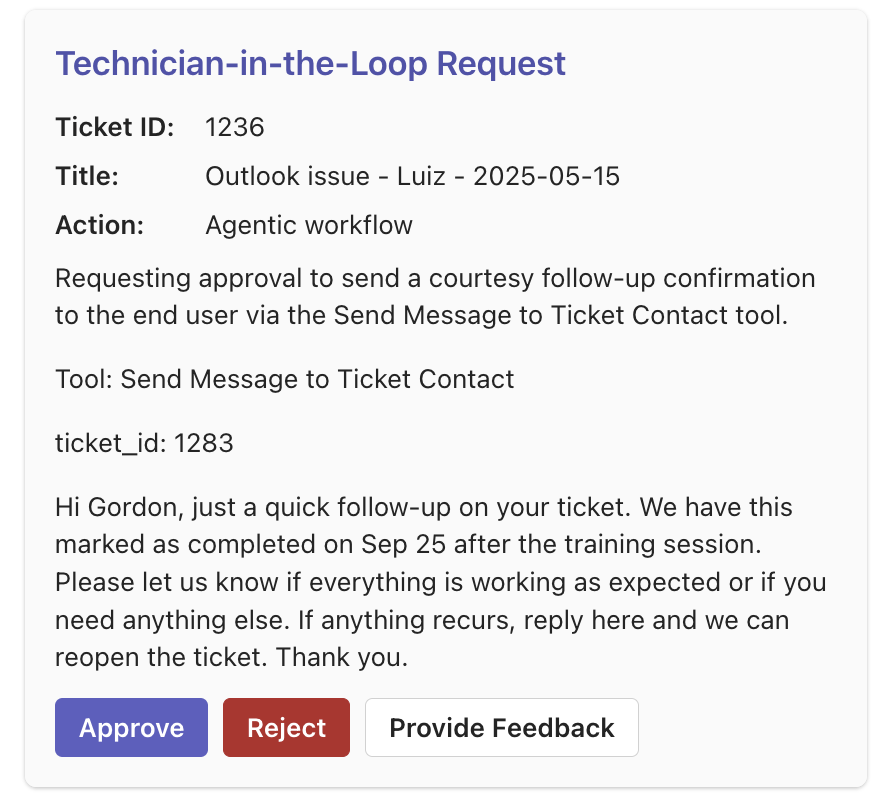
Technician-in-the-Loop (TIL) pauses Neo before risky actions—sending emails, running scripts, editing PSA records—and waits for a technician to approve, reject, or comment. Every decision is logged on the ticket.Documentation Index
Fetch the complete documentation index at: https://docs.neoagent.io/llms.txt
Use this file to discover all available pages before exploring further.
Quick setup
- Add approvers – Enable the Request Technician-in-the-Loop tool and pick who receives cards.
- Flag tools – Toggle Require technician approval on sensitive tools (Send Message, Execute RMM Script, etc.).
What happens next
- Approve – Neo immediately executes the action.
- Reject – The workflow stops and logs the rejection.
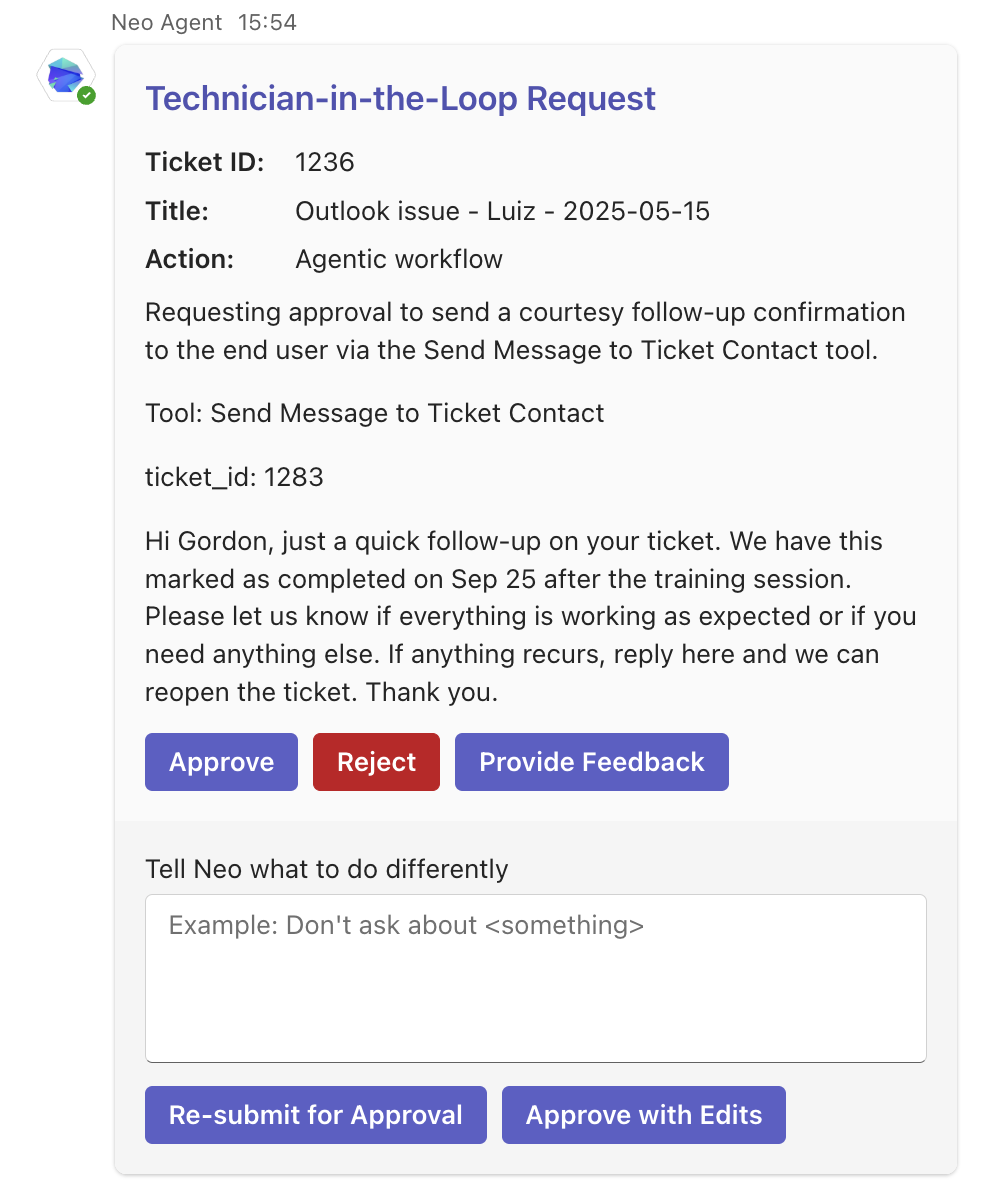
- Provide Feedback – Opens a comment box with two options:
- Re-submit for Approval – Neo incorporates your comment and retries; you review the updated attempt.
- Approve with Edits – Neo incorporates your comment and executes the action immediately.