To enable Neo Agent to add notes, log time, and perform actions within your HaloPSA system, you need to create a dedicated agent (resource) that Neo Agent will impersonate.Documentation Index
Fetch the complete documentation index at: https://docs.neoagent.io/llms.txt
Use this file to discover all available pages before exploring further.
Creating the Agent
Navigate to the Agents section
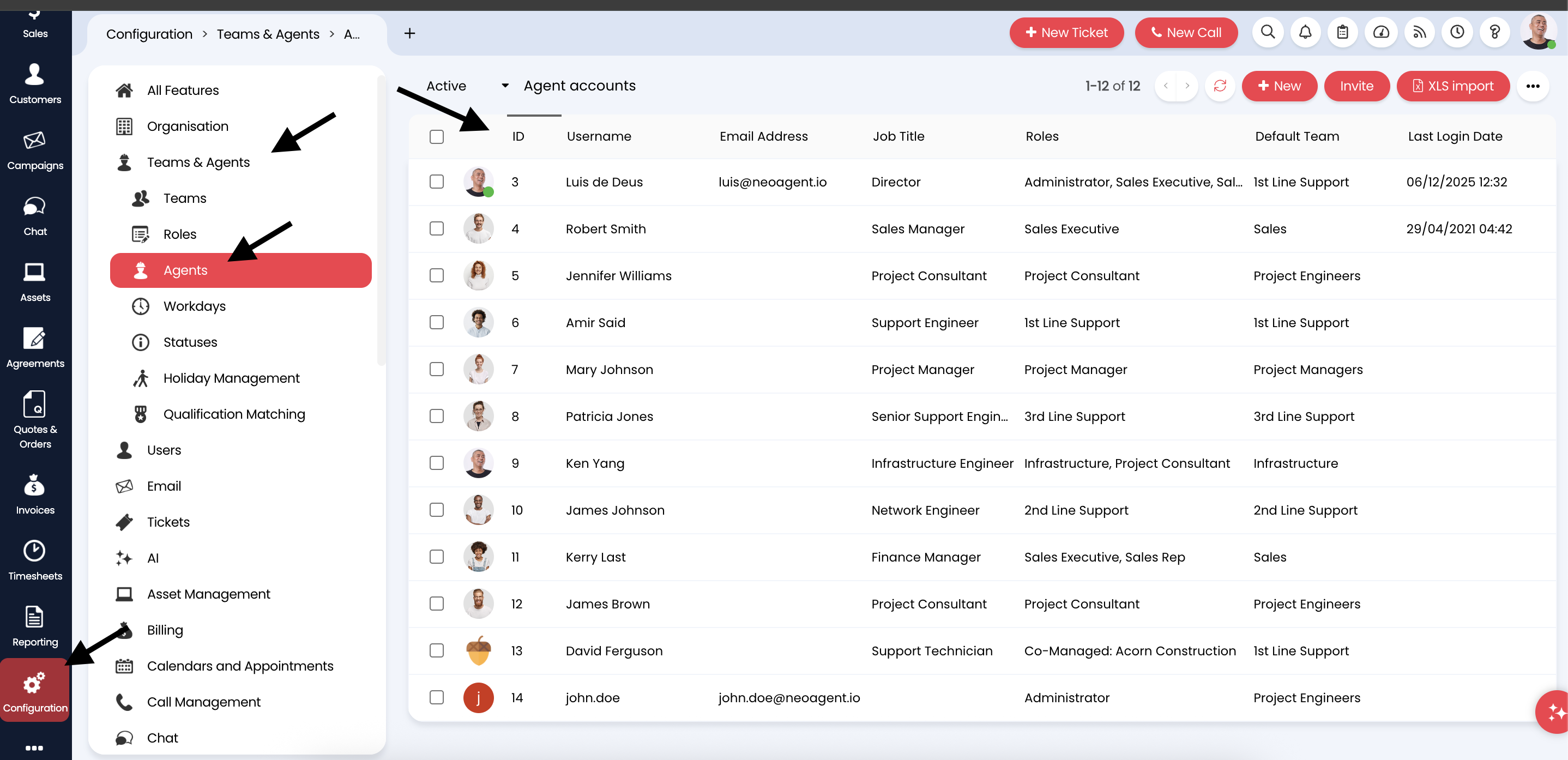
Go to Configuration → Teams & Agents → Agents to access the agent accounts list.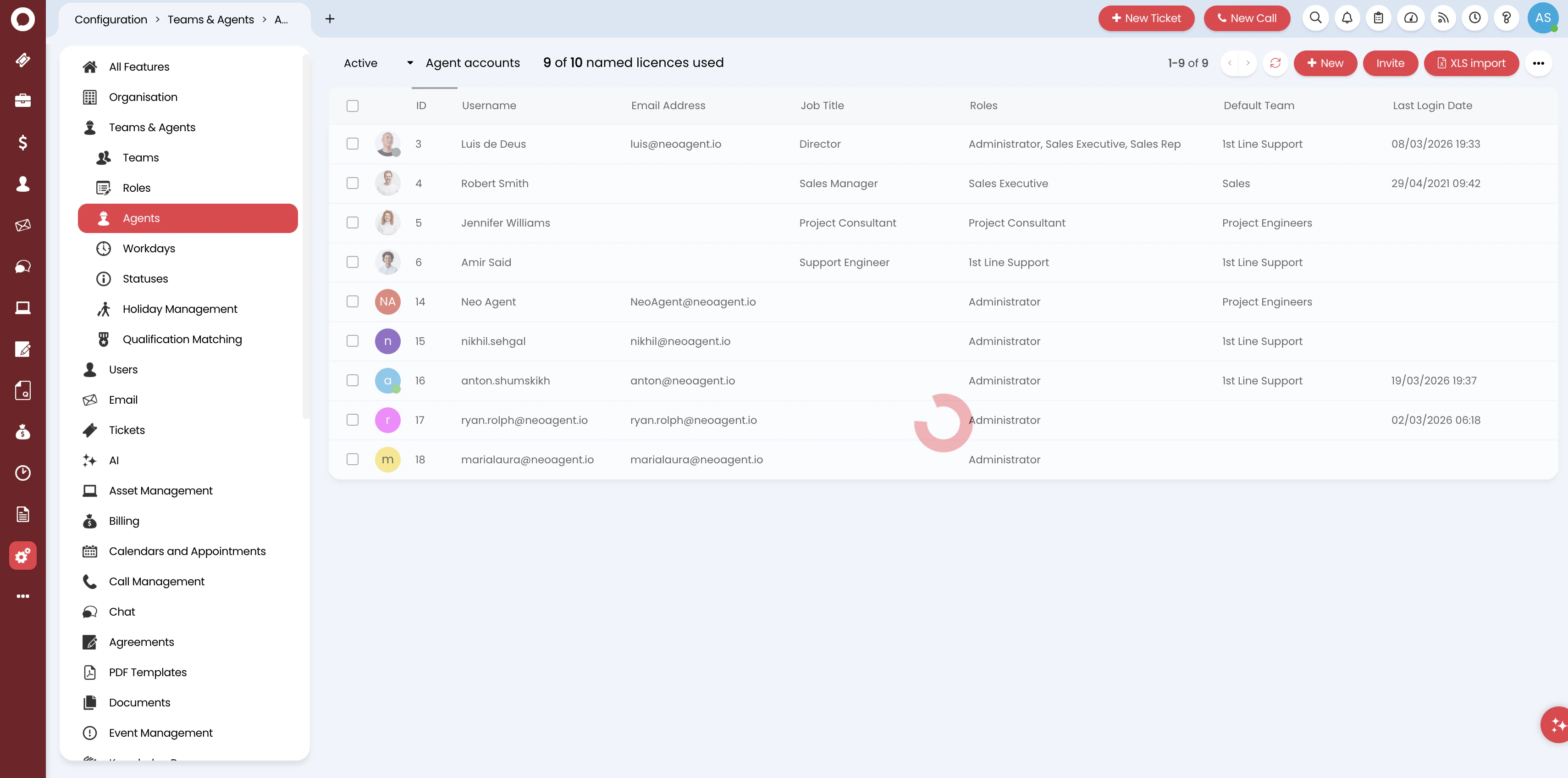
Configure account details
Fill in the essential account information: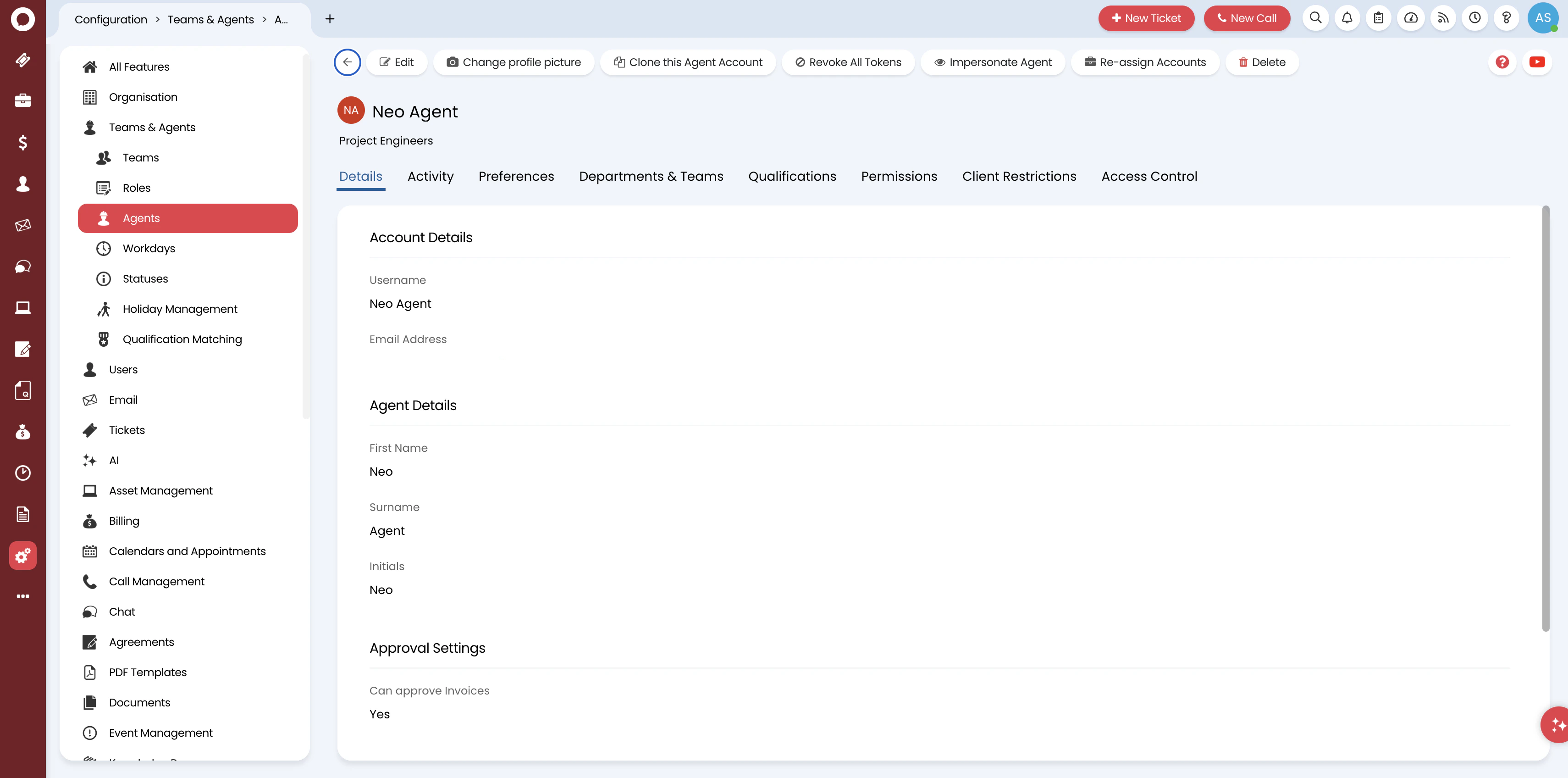
- Username: Enter a descriptive name like
Neo Agent - Email Address: Set to
team@neoagent.ioor your designated email - Password: Set any password — Neo Agent uses API authentication, not the UI
- Roles: Select an appropriate role (e.g.,
1st Line SupportorAdministrator) - Account Active: Ensure this is checked
- Is an API-only Agent: Leave unchecked — Neo Agent needs to assign tickets to itself and create time entries, which require a full agent account
The name you choose will be visible in ticket histories, time entries, and notes. Use “Neo Agent” for clear attribution, or a real person’s name if you want end-user communications to feel more personal.
Assign to a team
Navigate to the Departments & Teams tab and assign the agent to the appropriate team(s) that handle tickets Neo Agent will work on.
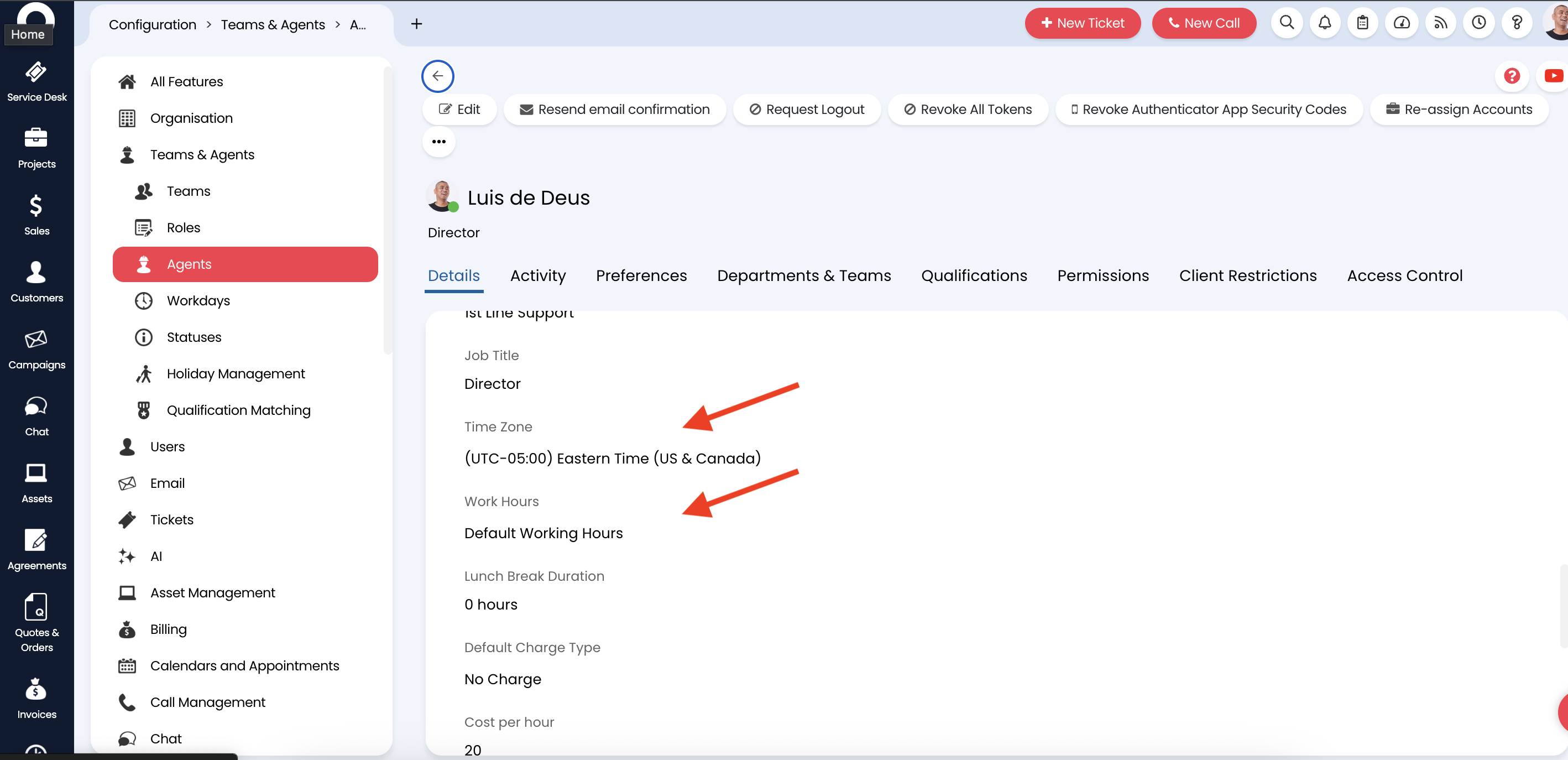
Configure working hours and timezone
In the Preferences tab, set the agent’s Working Hours and Timezone to match your primary support hours.